Network optimization and free traffic
Claim daily traffic and import the subscription into a compatible local client.
If you need access to external internet services and already have a compatible proxy client, use the subscription routes in Network Optimization. This is separate from API gateway routing.
Steps
- Sign in to GetToken and open Network Optimization
- Claim Daily free traffic once per day. After claiming, the button shows that today's traffic has been claimed. The current page determines the available amount
- Refresh Subscriptions and nodes, then check subscription availability, remaining traffic, and expiry
- Choose a subscription format supported by your local client, such as Clash / Mihomo, and copy the subscription URL
- Add the subscription in a local client that supports its format and node protocol, update nodes, select a node, and enable that client's network acceleration
- The external client manages node selection, system proxy settings, and routing rules. Open the service you need to confirm the actual result
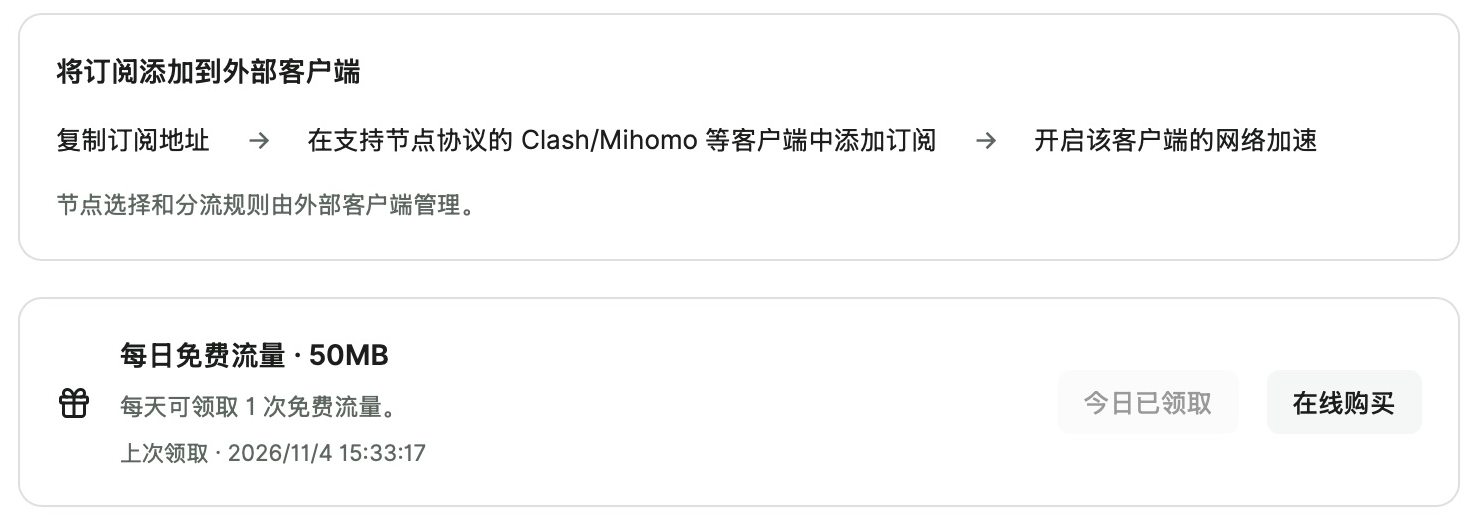

The current version uses an external client for subscriptions. Claiming traffic or copying a URL alone does not enable a computer-wide proxy. Node latency checks test TCP connectivity, not successful access to a particular website. Free traffic is network data, not model tokens or API balance. Network benefits follow the signed-in GetToken account; changing a model API Key does not change that account.
Troubleshooting
I claimed free traffic. Why can I still not access a service?
Check subscription expiry and remaining traffic. In the external client, confirm that the subscription updated, a node is selected, and proxy and routing settings are enabled. An already-claimed status confirms only the traffic claim; a successful TCP latency check does not guarantee access to a target service.